
Memory Match
Match pairs of cards to clear the board.
- Category
- Classics
- Seats
- One
- Difficulty settings
- Easy, Medium, Hard
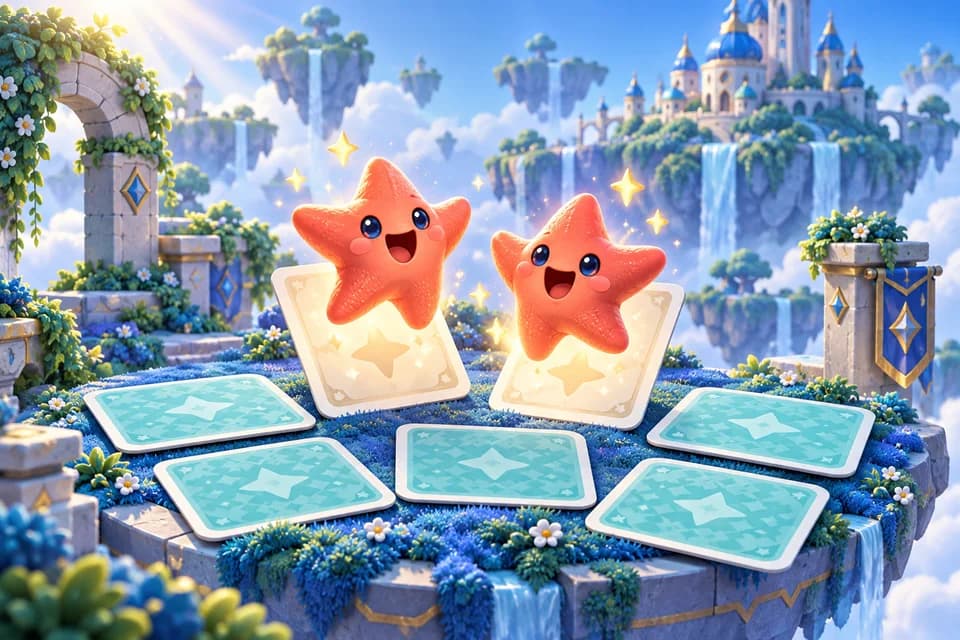
A game for one player
Free, along with the 47 other games in PlayBurst. Memory Match is not sold on its own, and no purchase in the app unlocks it.
- memory
- brain-training
- family
Where to get it
Available on the Amazon Appstore
- Get it on the Amazon AppstoreAvailable now for Fire tablets. Free to download.
- Google PlayNext. Fire OS is Android, so it is the same build.
- App StoreAfter that, for iPhone and iPad.
Free to download on Fire tablets. Google Play and the App Store are coming later.
Inside the game
Memory Match screenshots
Screenshots from PlayBurst's Android preview, in phone and tablet layouts. Select an image to explore the gallery.
1. Turn two cards
Tap a card to turn it, then another.
2. Keep or hide
A pair stays face up. Anything else turns back over.
Questions
About Memory Match.
What is the goal of Memory Match?
Find every matching pair.
Is Memory Match free?
Yes. Memory Match is one of 48 games in PlayBurst, a single free app. It is free, nothing is locked in front of it, and no purchase in the app unlocks a game: the shop sells coins and removing the ads, and that is all it sells.
Can I play Memory Match without a connection?
Yes. Memory Match runs on your device rather than on a server, so it keeps working on a plane or in the back of a car. The first launch of PlayBurst reaches out once to set up your guest account, and opens anyway if it cannot.
Where can I get Memory Match?
Download PlayBurst from the Amazon Appstore for Fire tablets using the link on this page. Google Play and the App Store are coming later.