
A whole box of games. One free app.
A little more
play in your day.
48 games, from a quick crossword to one more hand of hearts. Every game free. Made for your phone or tablet.
Get it on the Amazon AppstoreAvailable now for Fire tablets
Every game free
All 48 games are free and none is locked. No subscription, and nothing you can buy unlocks a game: optional coins and ad removal support the app. Earn coins through play and use them for extras such as collectible avatars.
Plays without a signal
The games run on the tablet rather than on a server, so the back seat and the plane are fine. The first launch reaches out once to set up your guest account, and opens anyway if it cannot.
Games you already know
Solitaire, chess, crosswords, minesweeper, cribbage. Rules somebody taught you once, so there is no tutorial to sit through.
The catalog
Every game in the app.
Meet the worlds waiting inside PlayBurst. Pick a favourite, or explore a category you have never tried.
- Bid Euchre
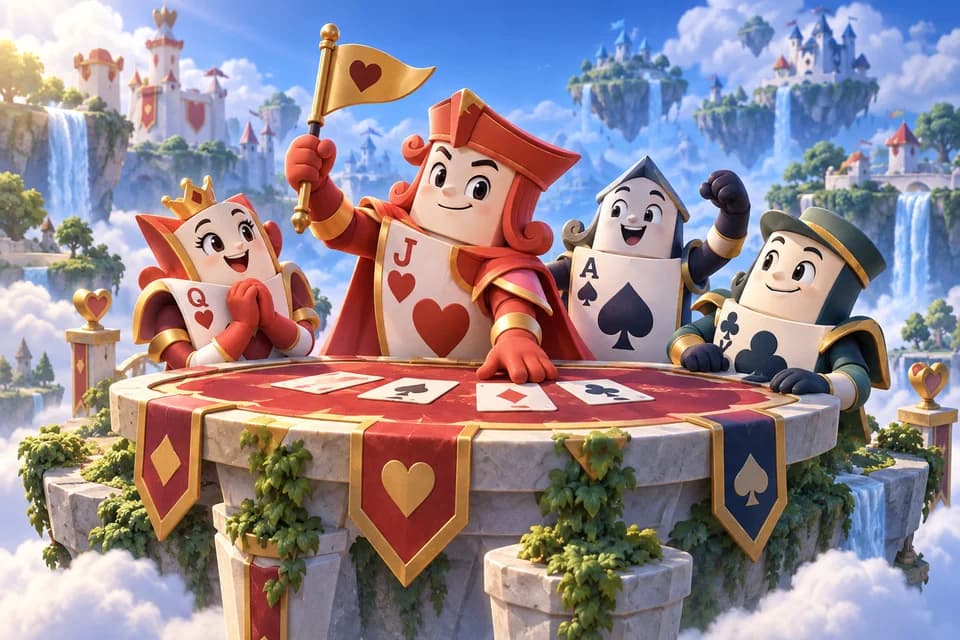
- Blackjack
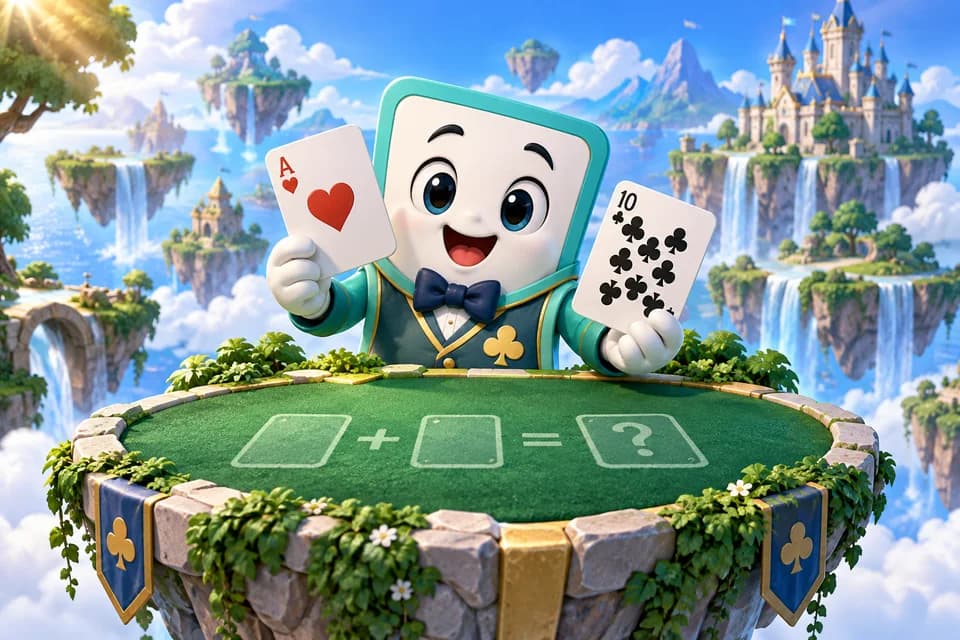
- Crazy 8s
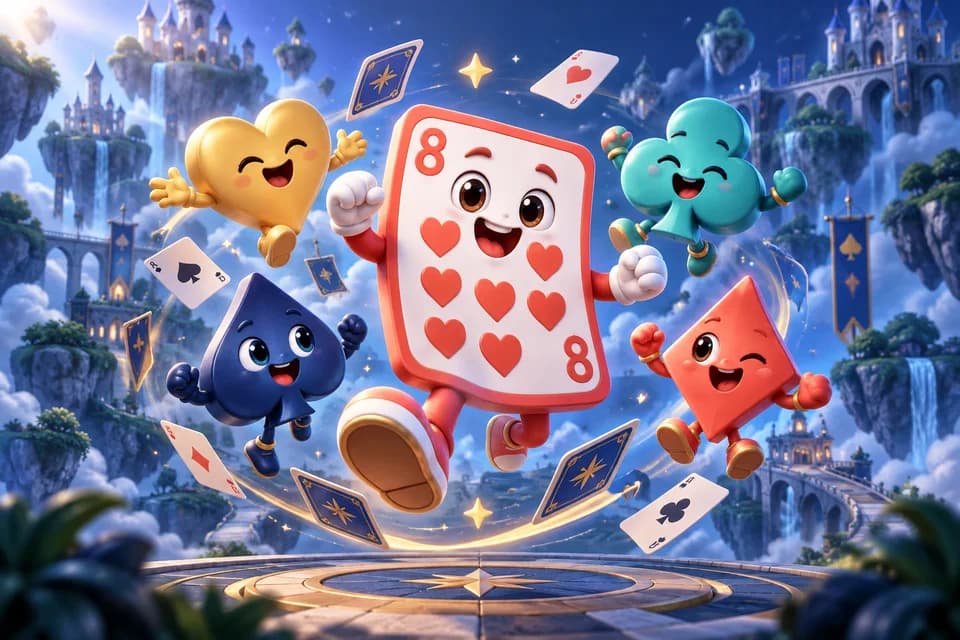
- Cribbage
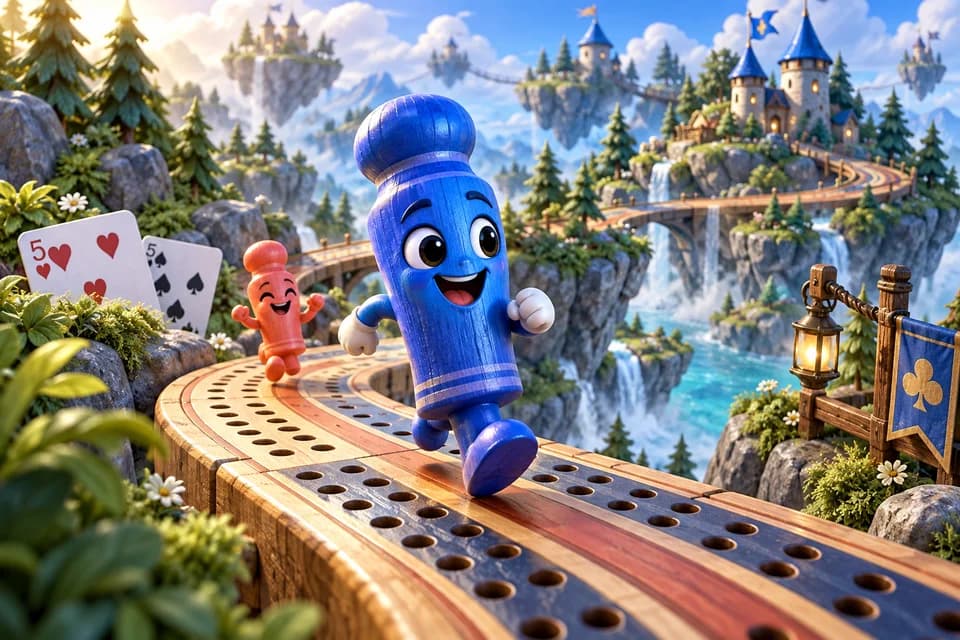
- Euchre
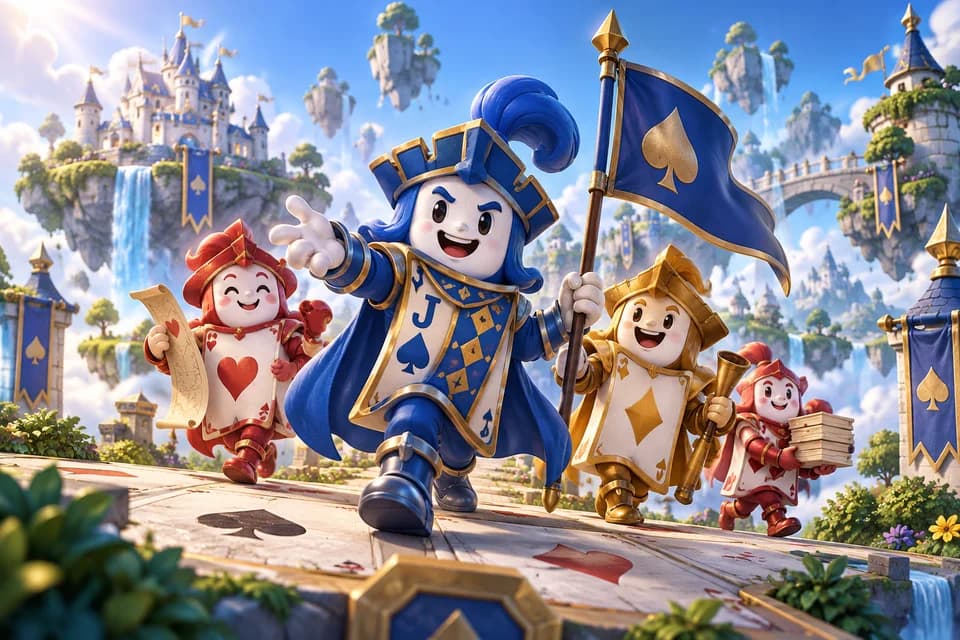
- Gin Rummy
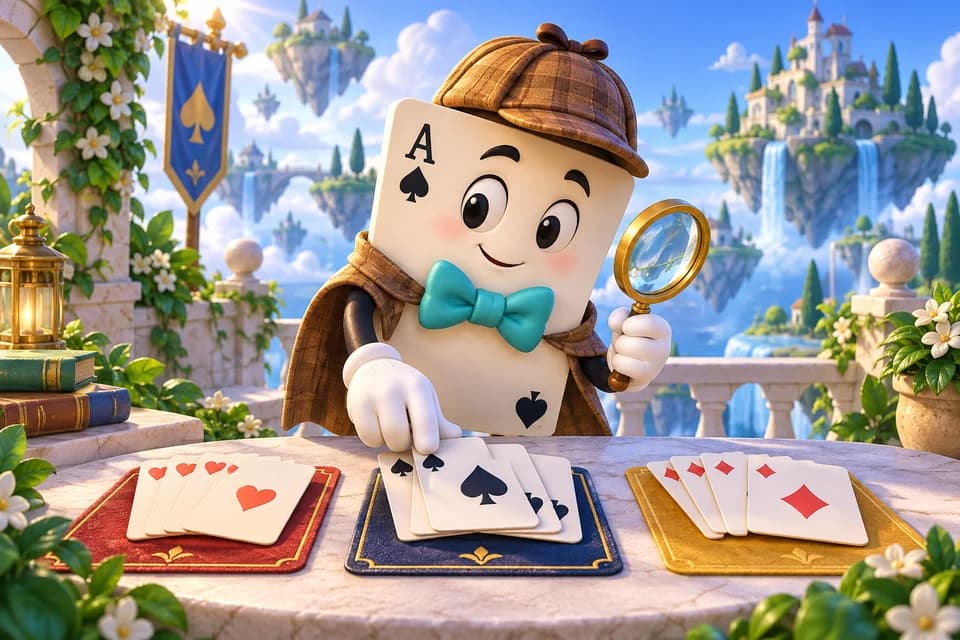
- Go Fish
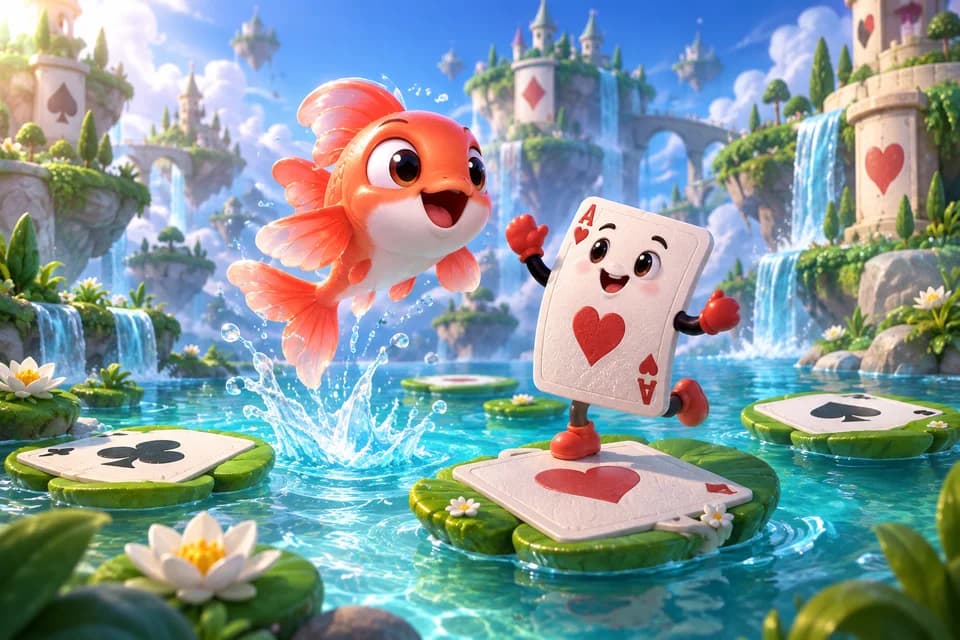
- Golf Solitaire
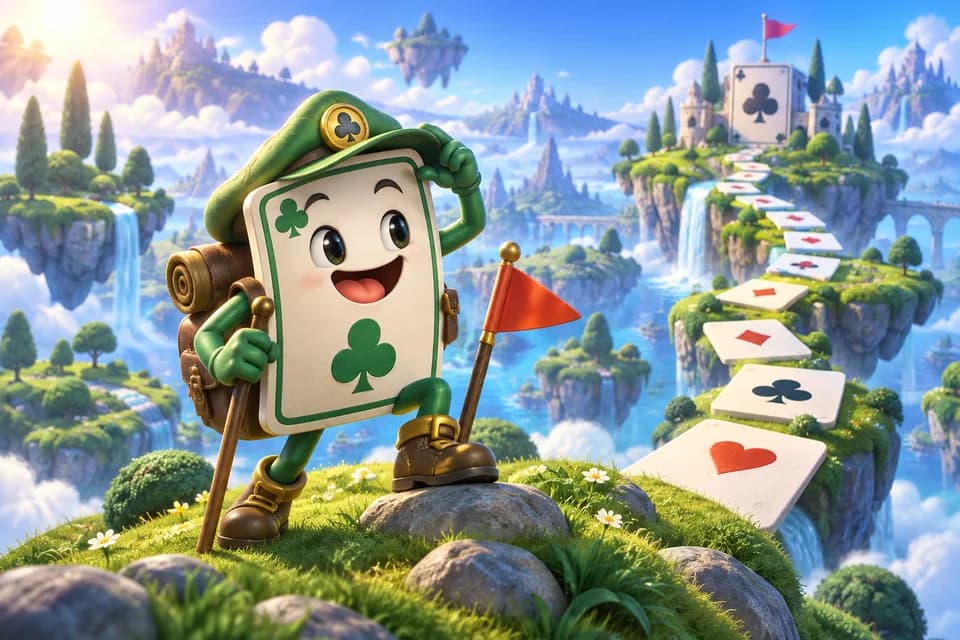
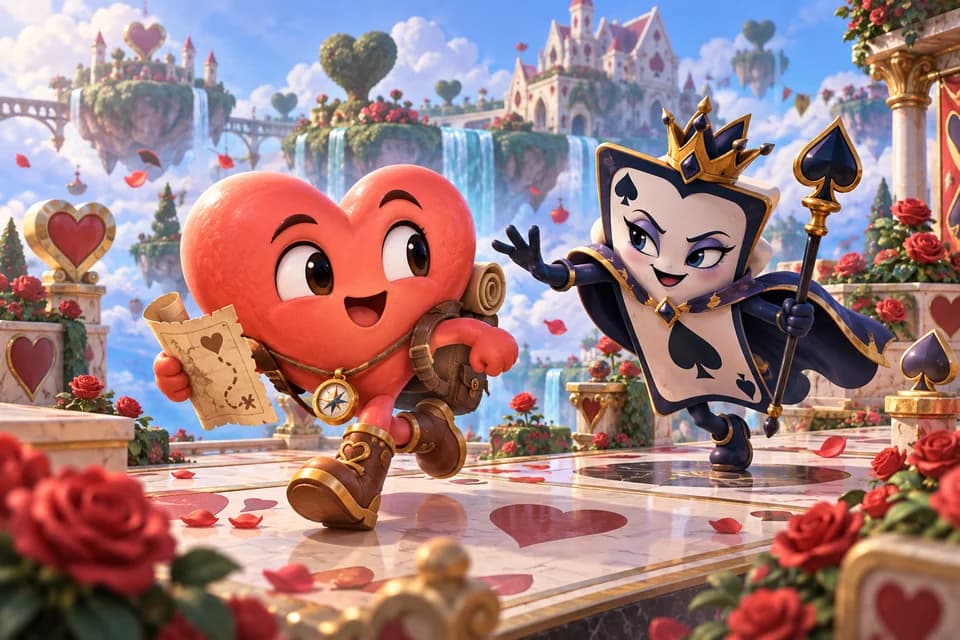
- Hearts
- Klondike Solitaire
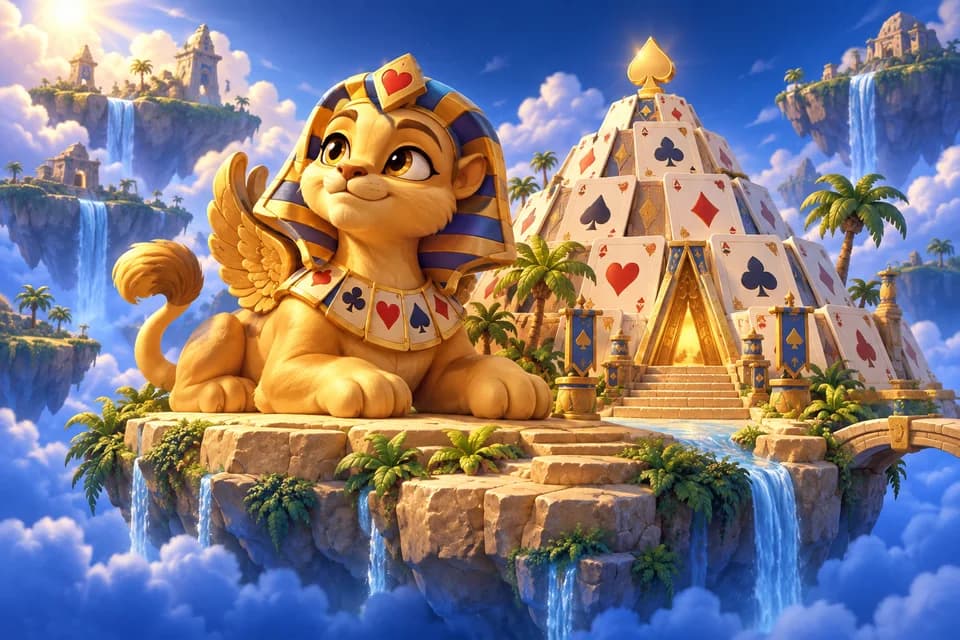
- Pyramid Solitaire
- Solitaire FreeCell
- Solitaire Pro
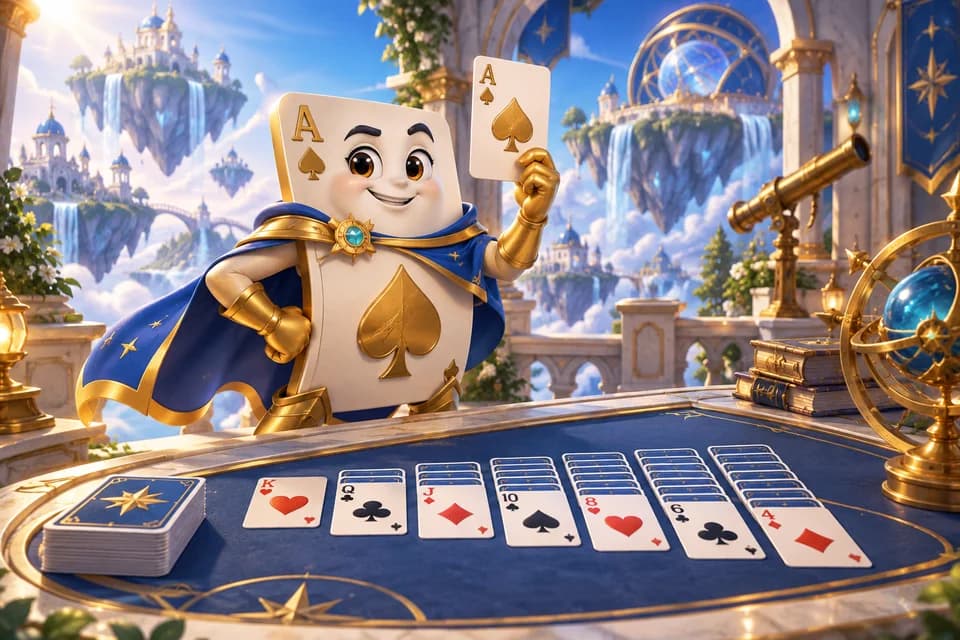
- Spades
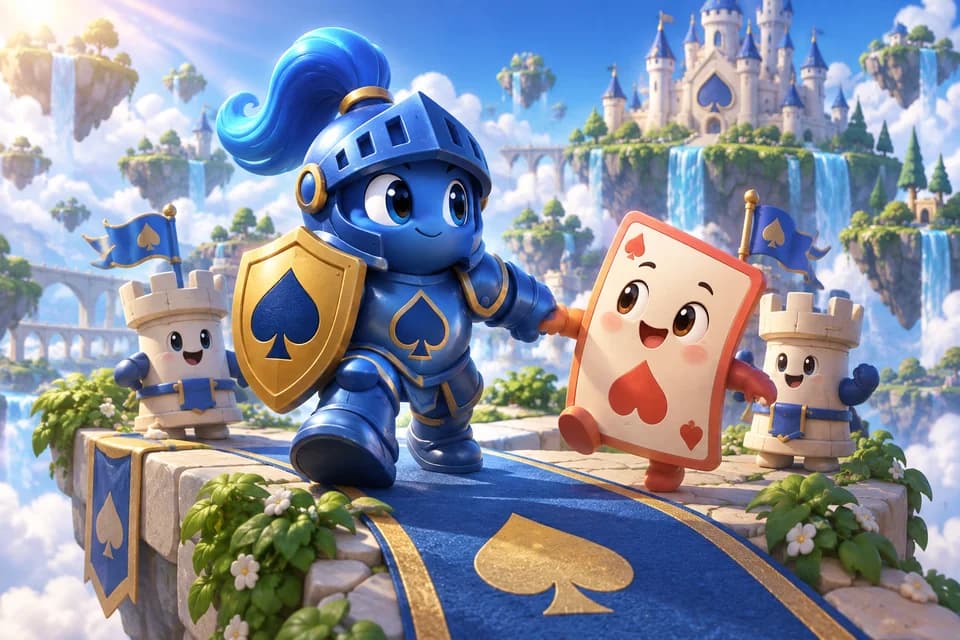
- Spider Solitaire
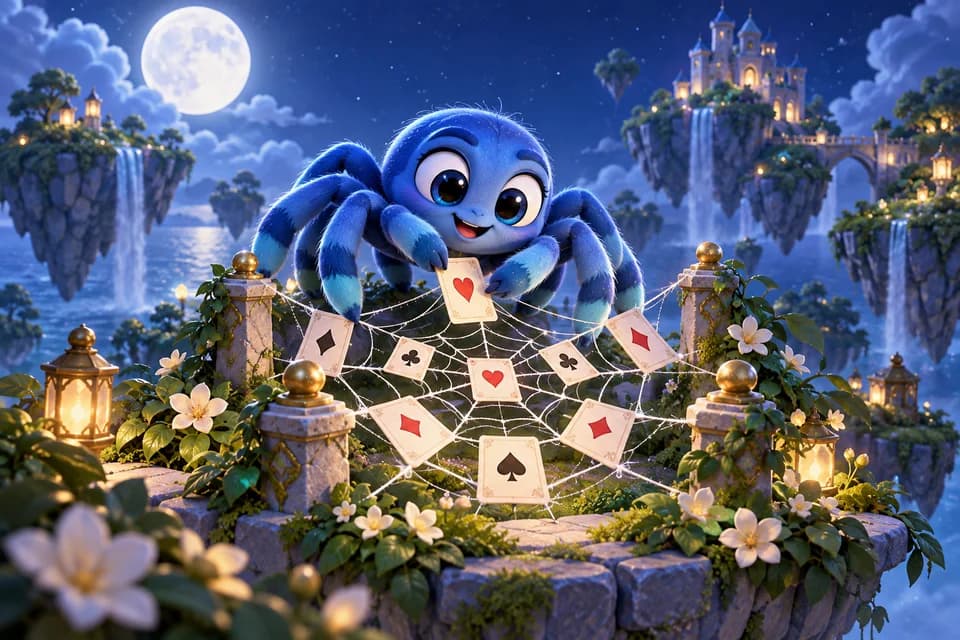
- Ten Tasks
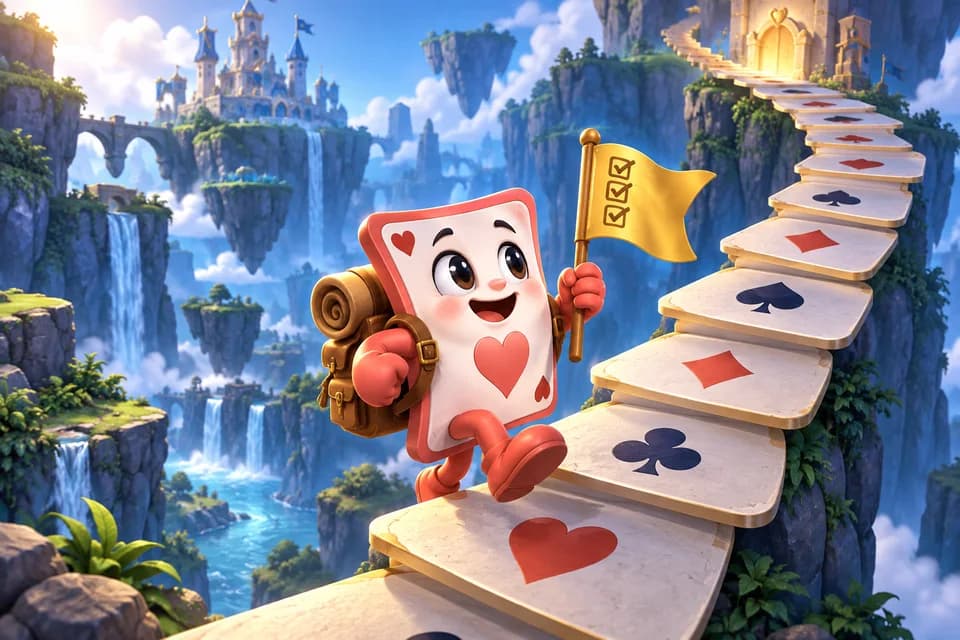
- Tile Rummy
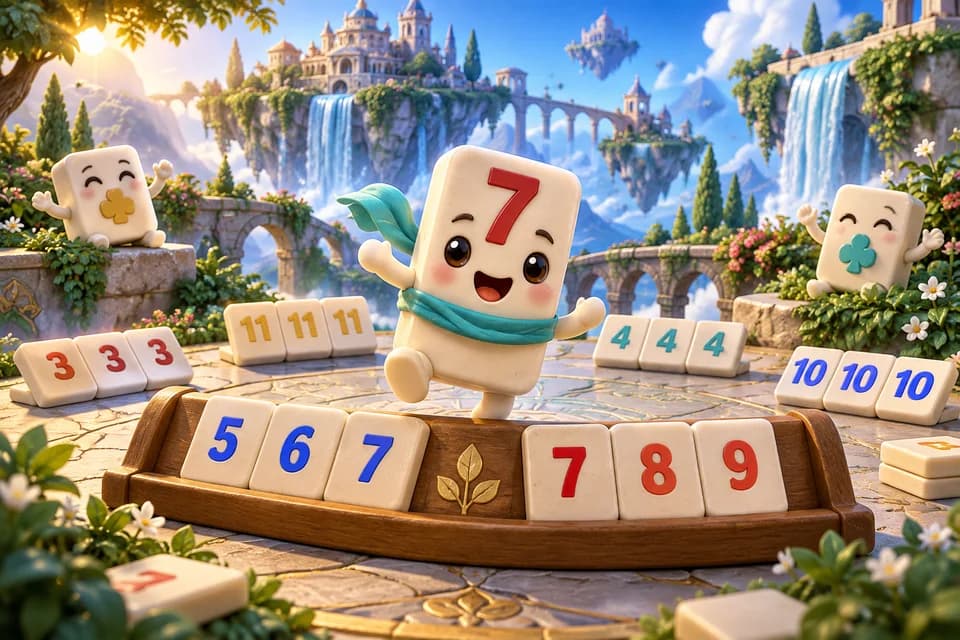
- TriPeaks Solitaire

- War
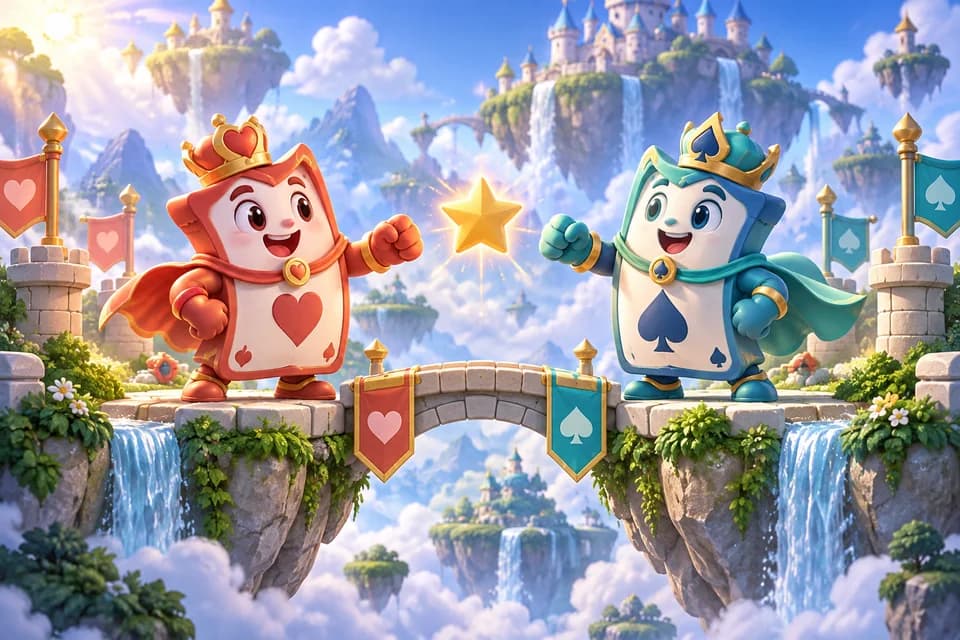
- Blocks
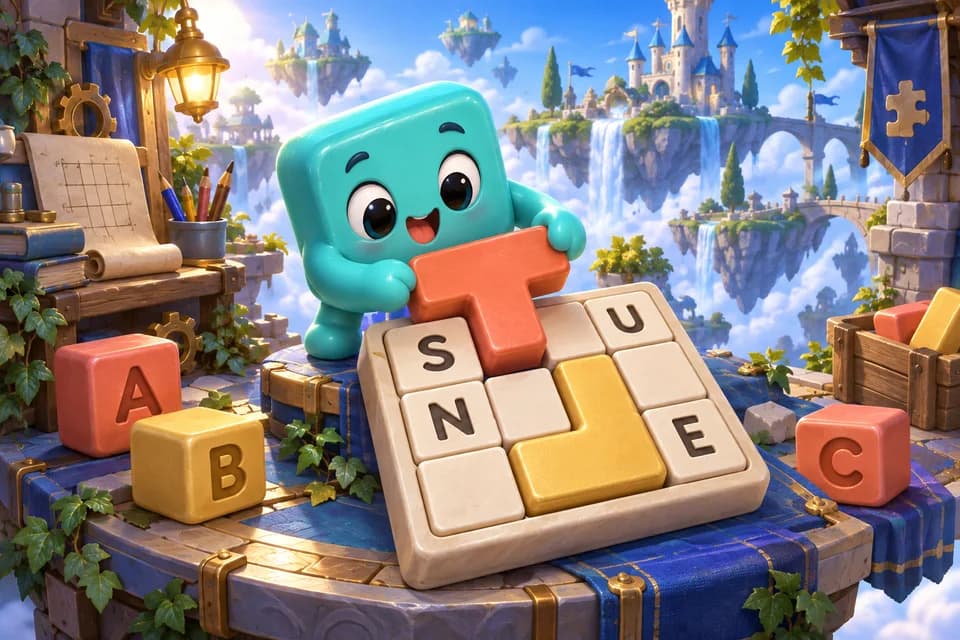
- Crossword
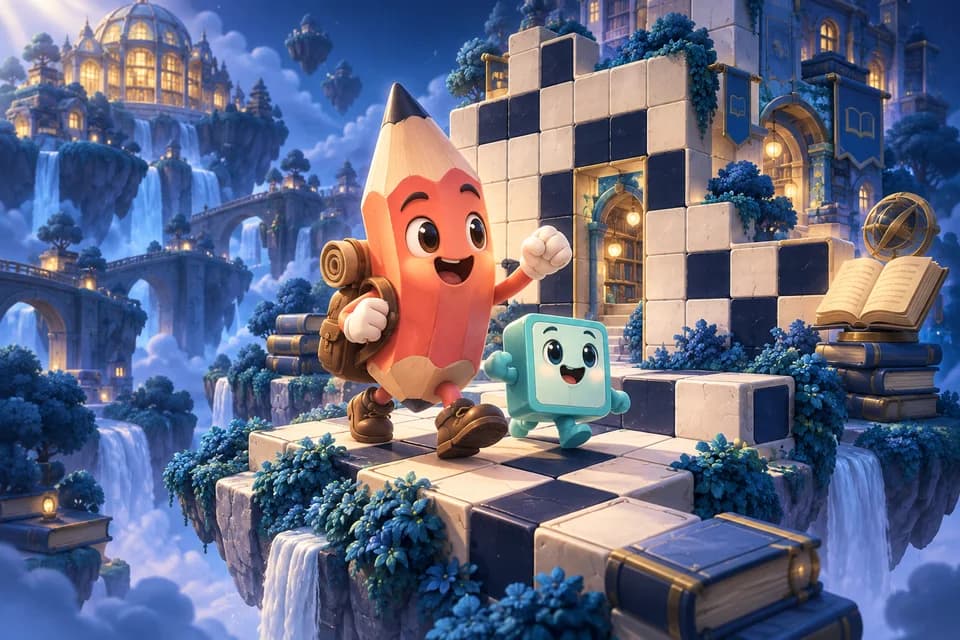
- Hangman
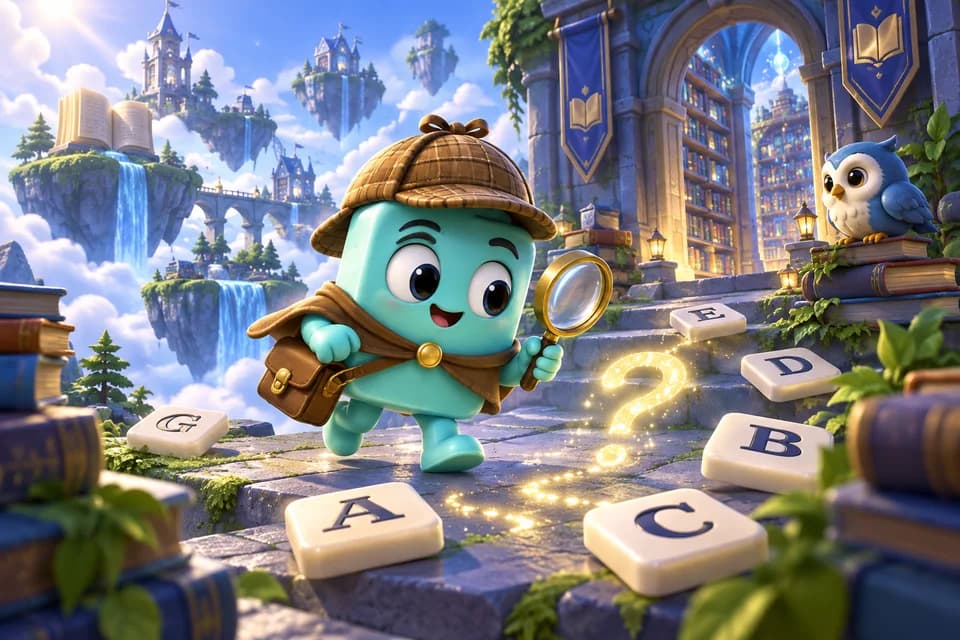
- Letter Wheel
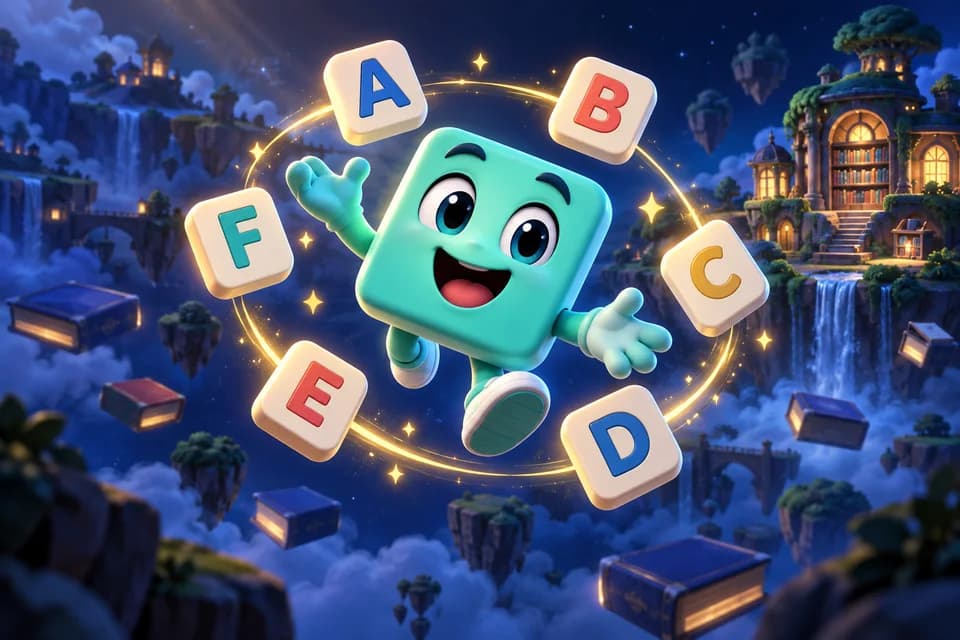
- Rungs
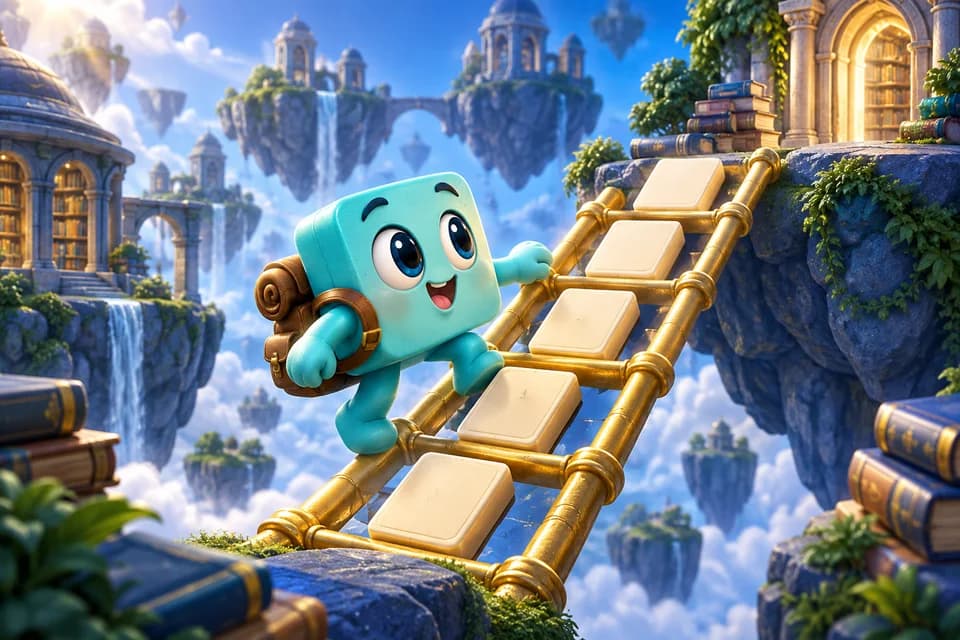
- Seven
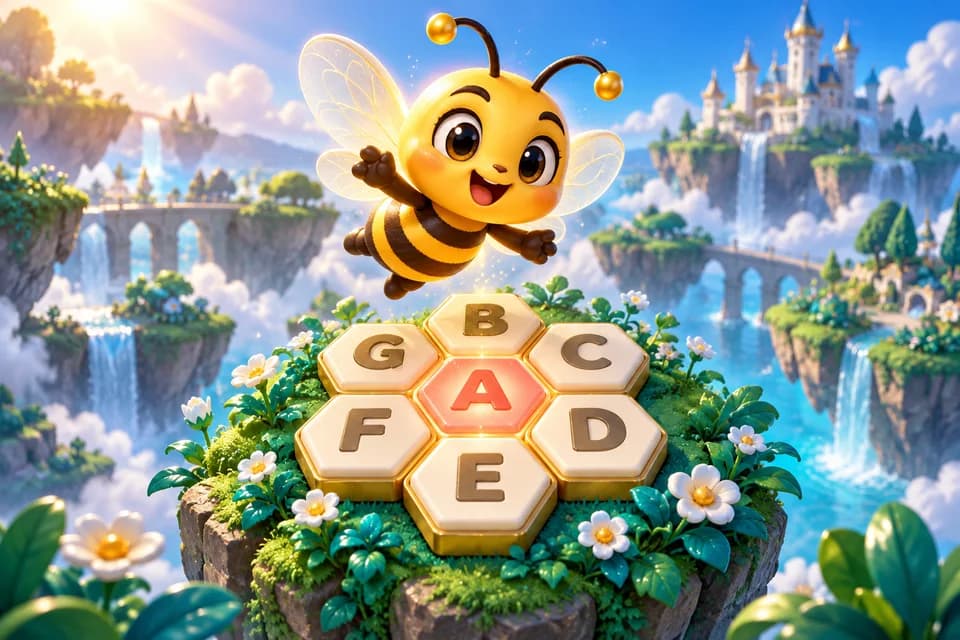
- Word in Six
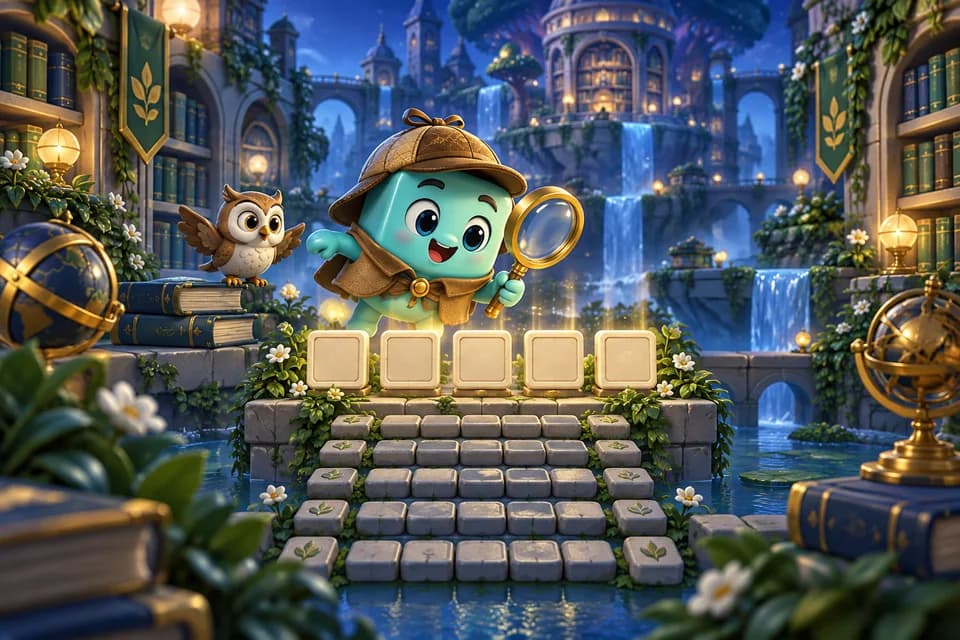
- Word Merge
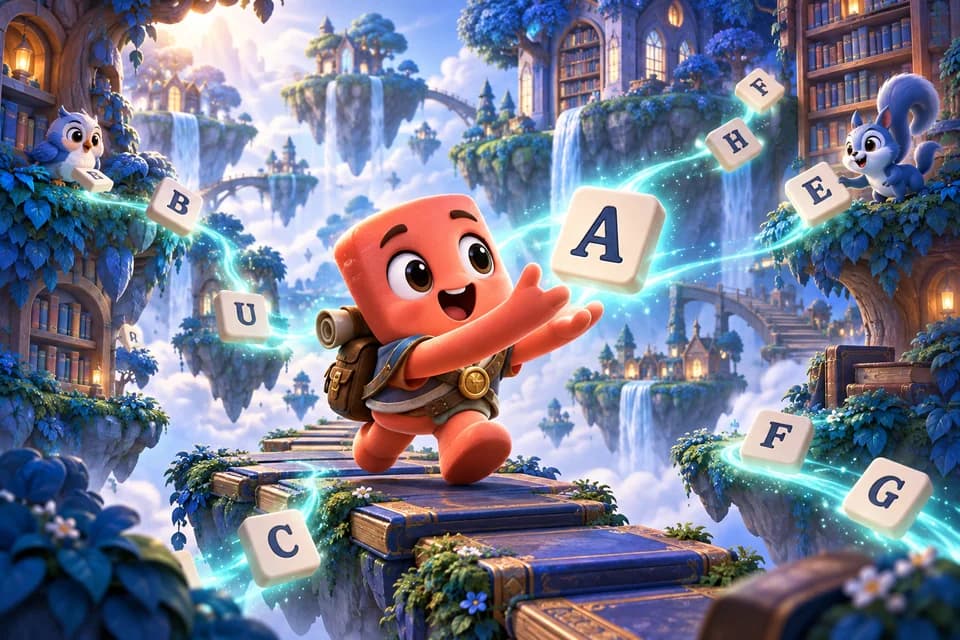
- Word Search
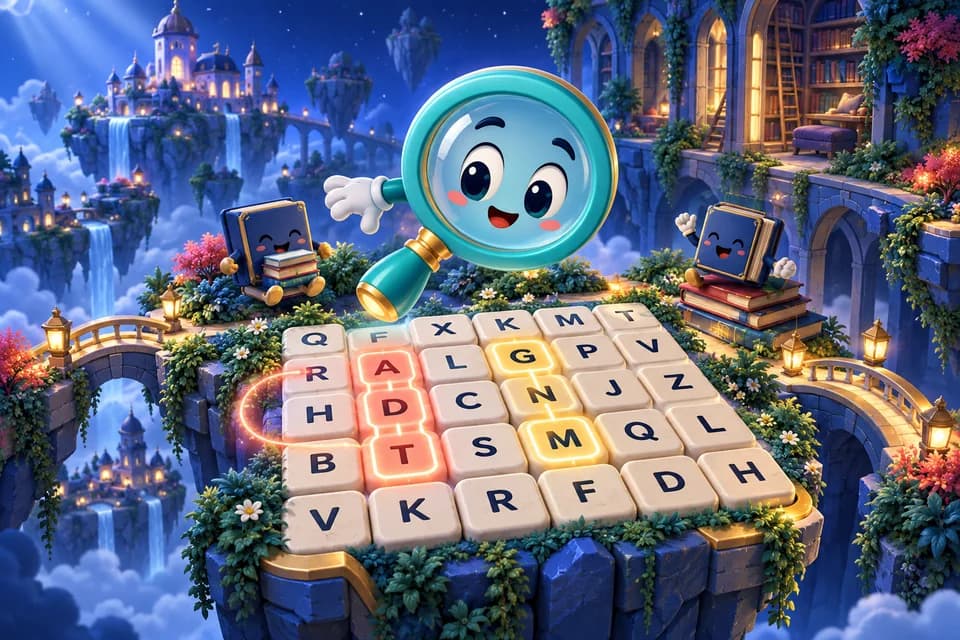
- Bubble Pop Quest

- Crowns
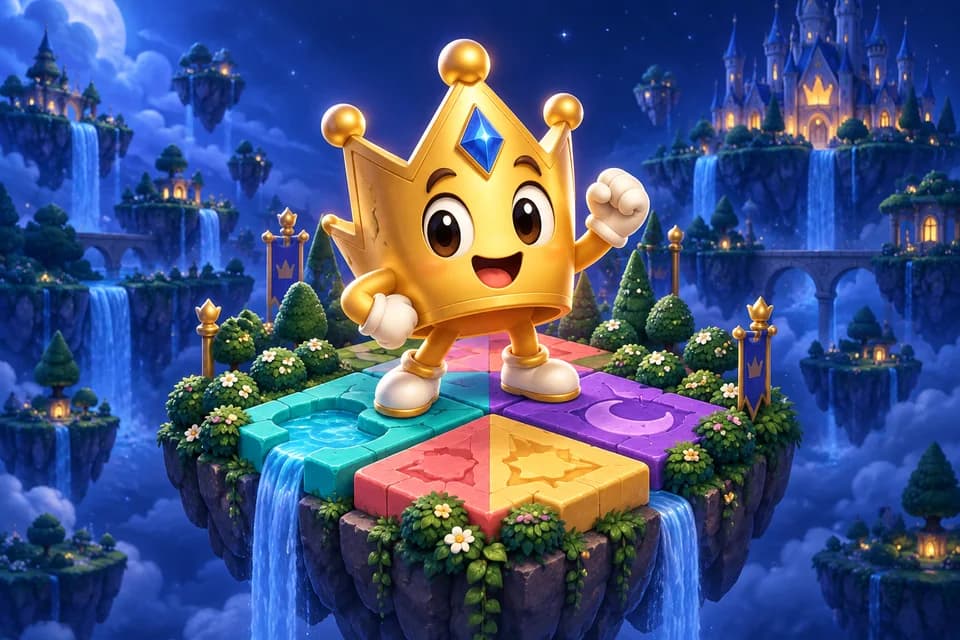
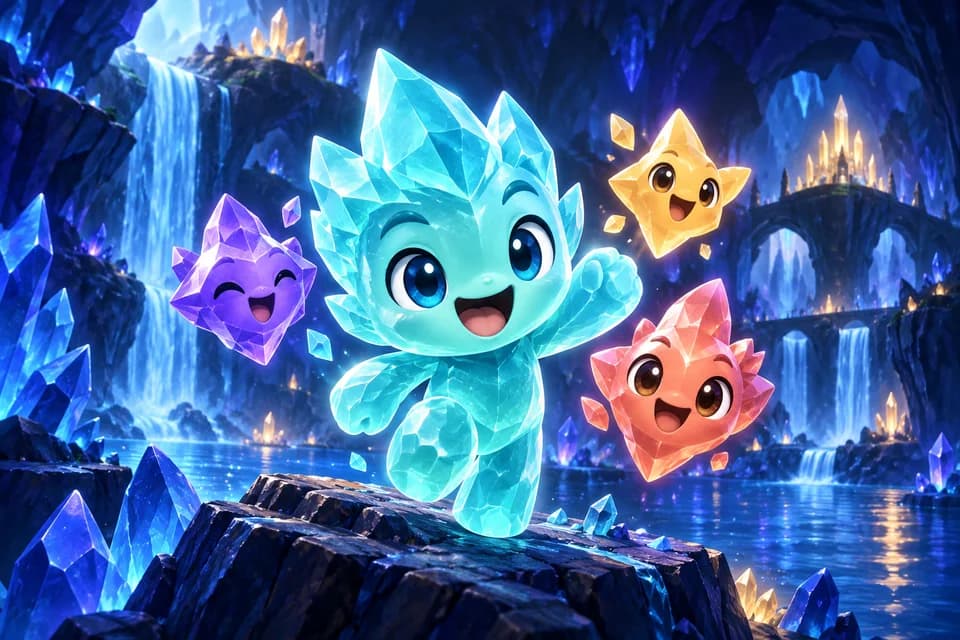
- Gem Blast
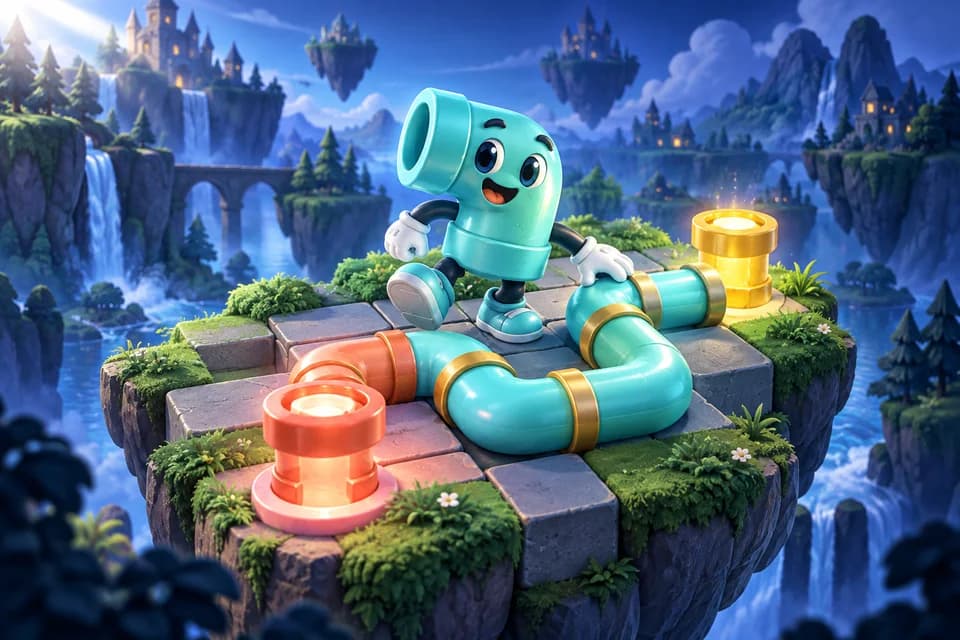
- Pipe Link
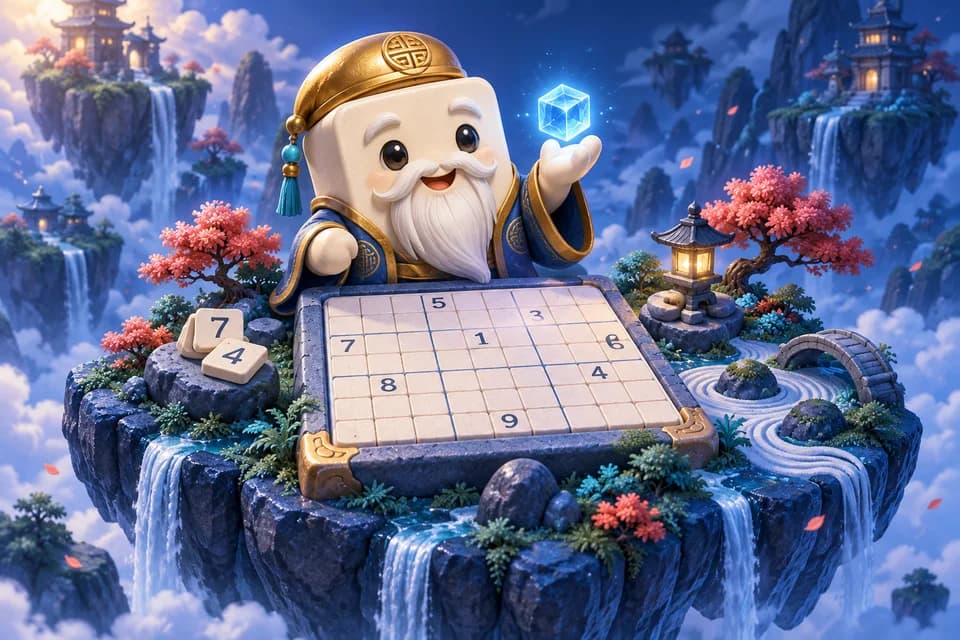
- Sudoku
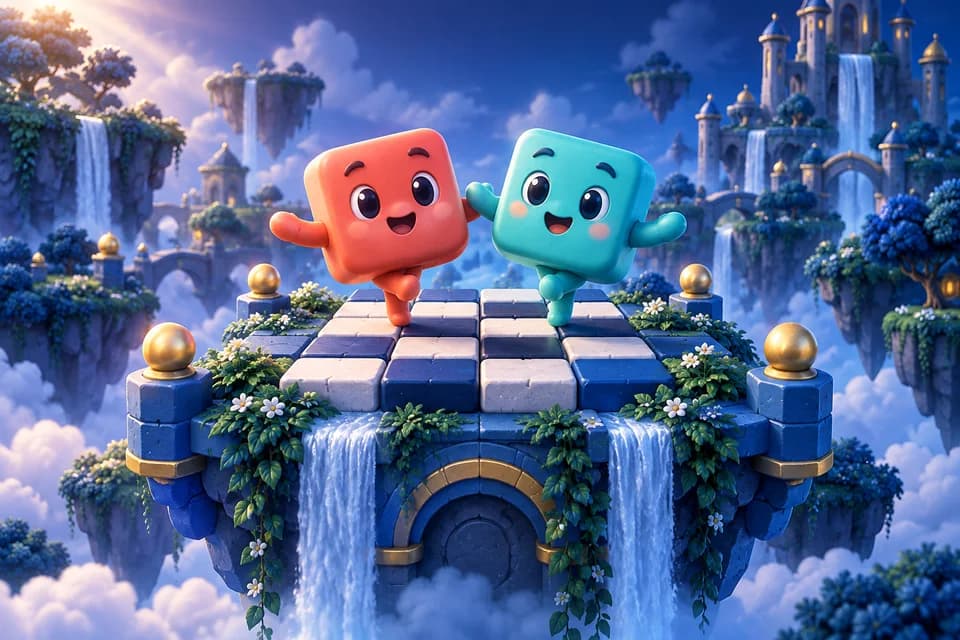
- Two Tone
- 2048
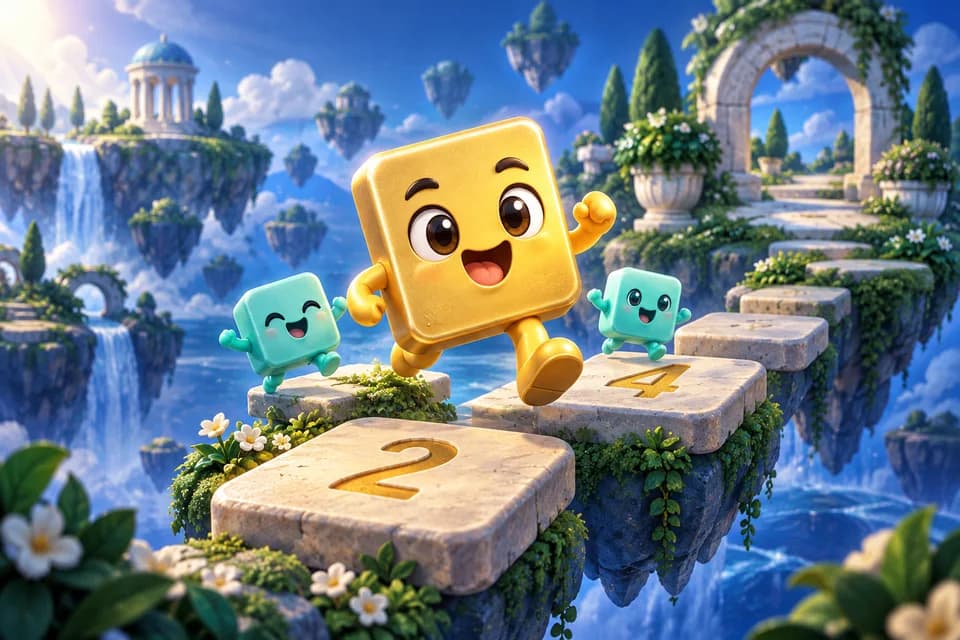
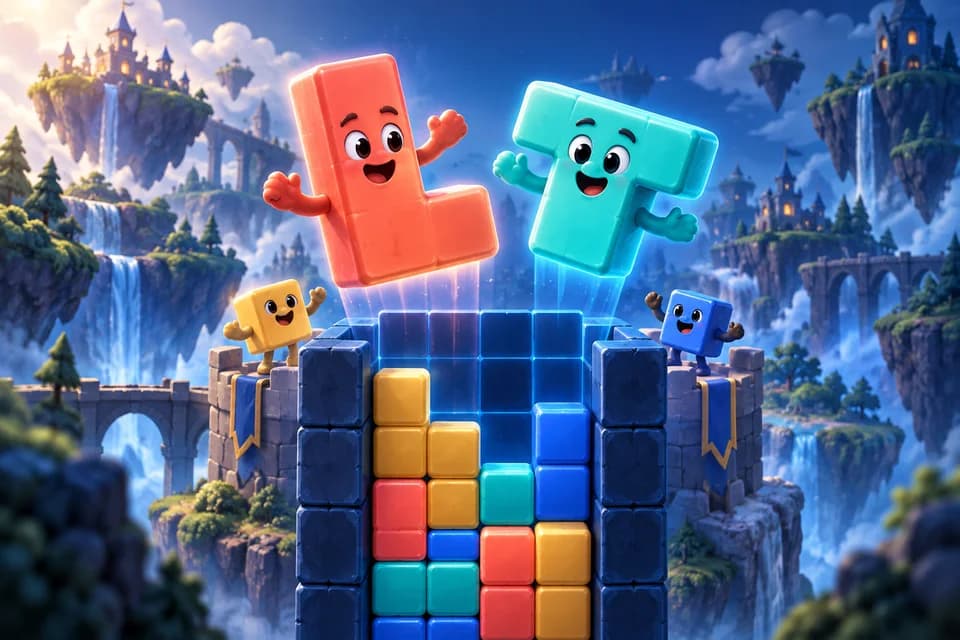
- Block Drop
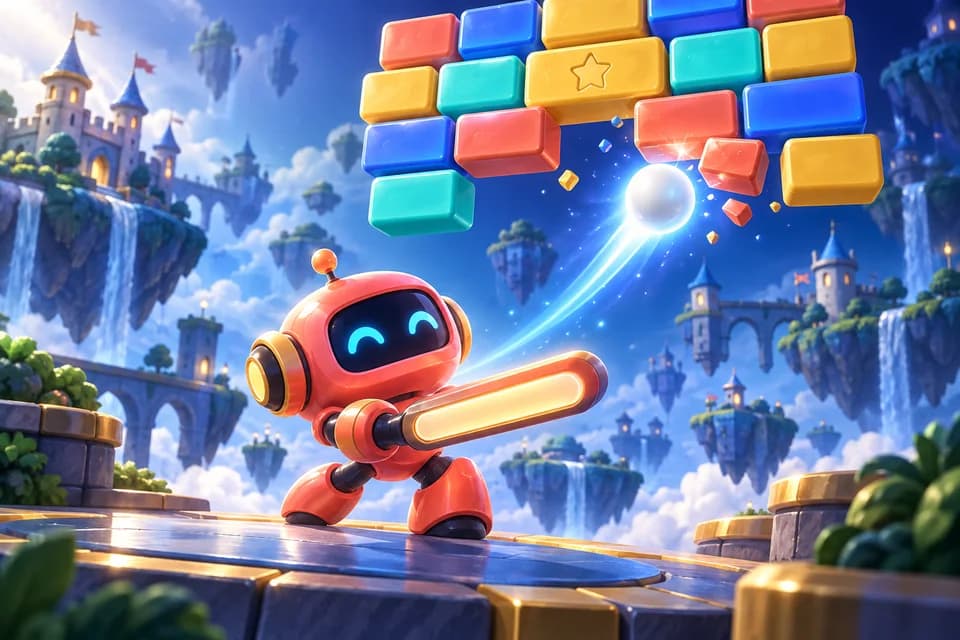
- Brick Breaker
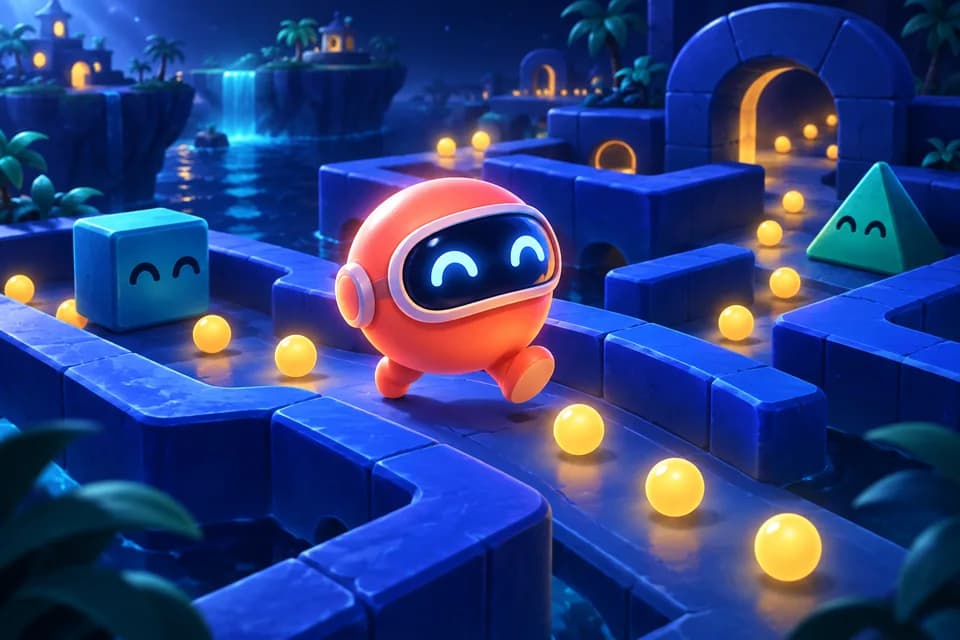
- Maze Muncher
- Snake

- Checkers
- Chess
- Drop Four
- Fleet Hunter
- Reversi

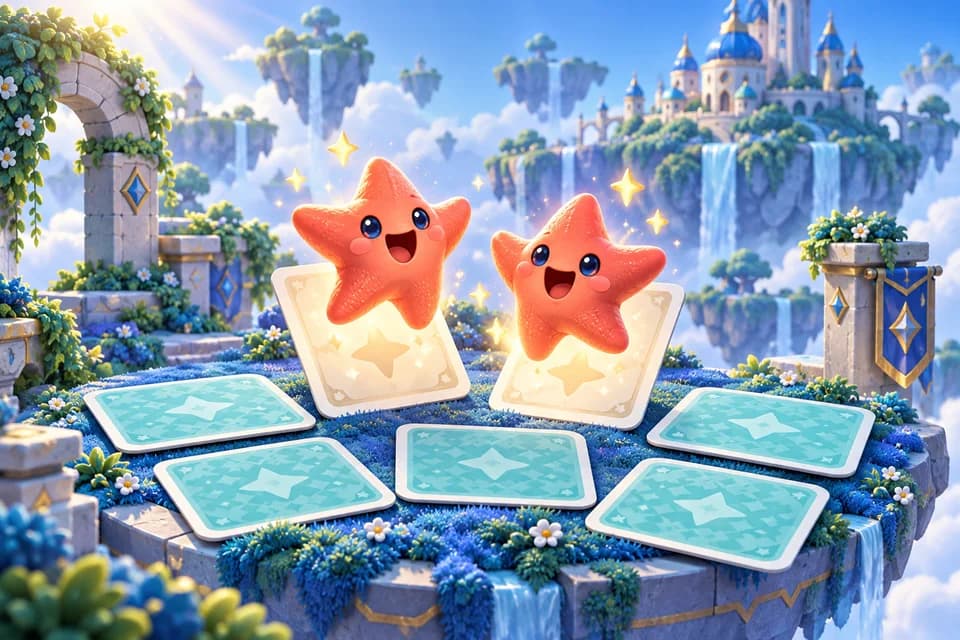
- Memory Match
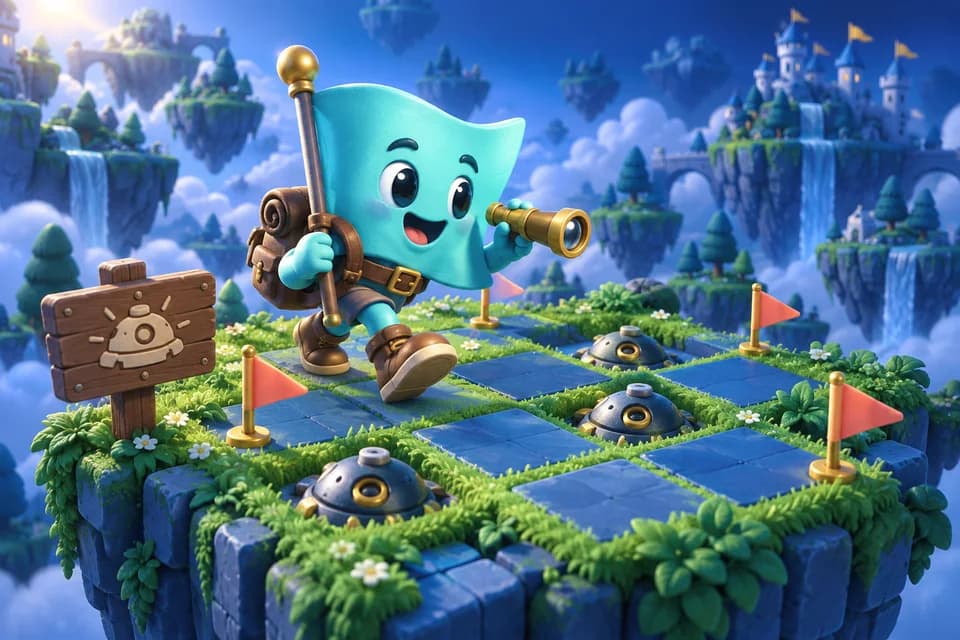
- Minesweeper
- Simon Says

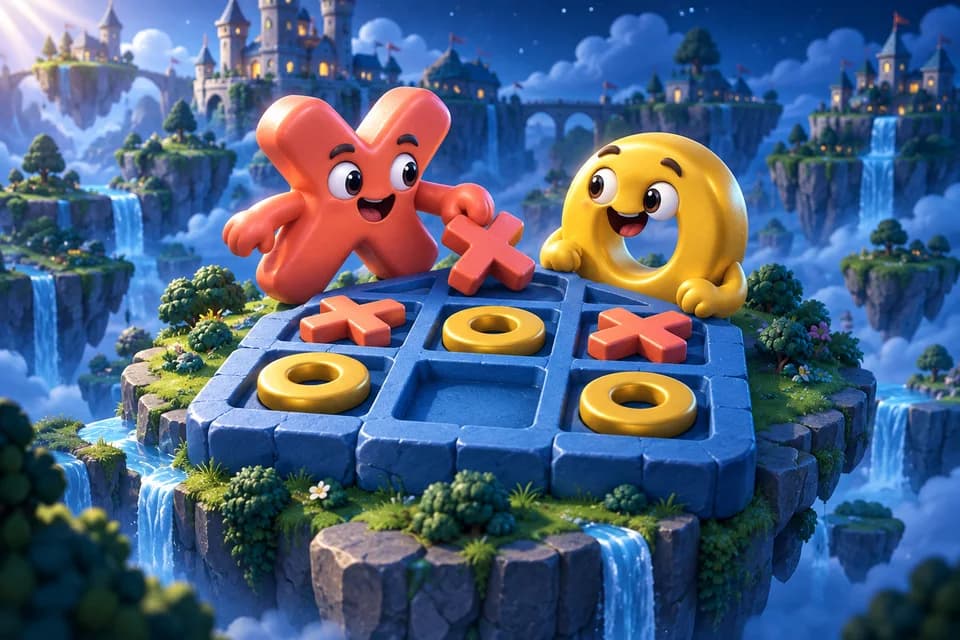
- Tic Tac Toe
A closer look
A few to fall for.
Block Drop
Fit falling blocks to clear lines
Chess
The classic strategy board game
Bid Euchre
Competitive bidding version of Euchre
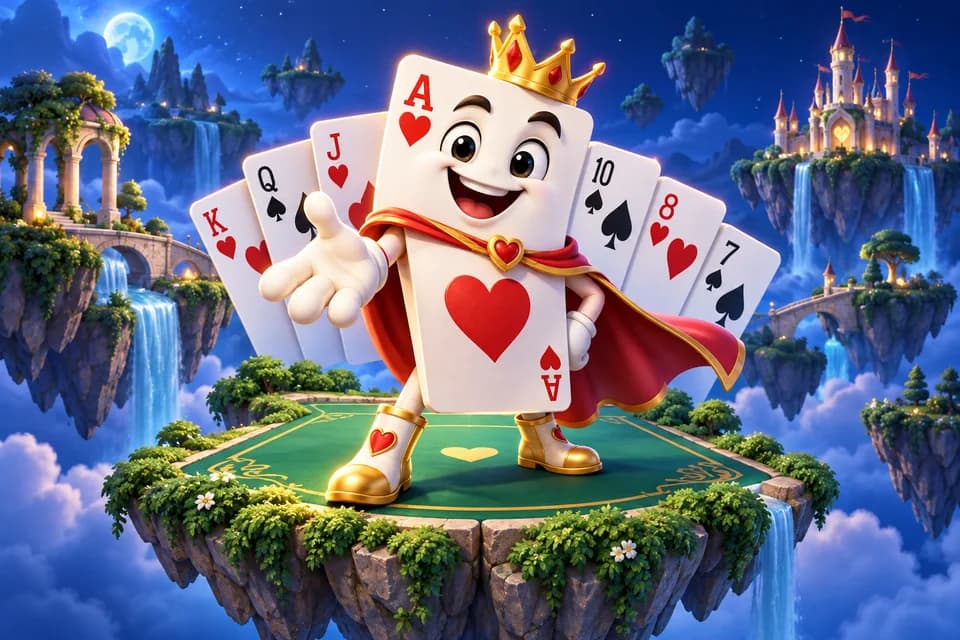
Klondike Solitaire
The classic solitaire card game
Spider Solitaire
Build sequences of cards by suit
Bubble Pop Quest
Pop groups of three before the bubbles reach the bottom
Gem Blast
Match three or more gems to hit the level target
Sudoku
Fill the grid with numbers 1-9
Word in Six
Guess the five-letter word in six tries
Coming in the next app update
A little character.
A lot of you.
Pick a free companion, then grow your collection with coins and milestones as you explore the arcade. Every game stays free.
Yours from the start
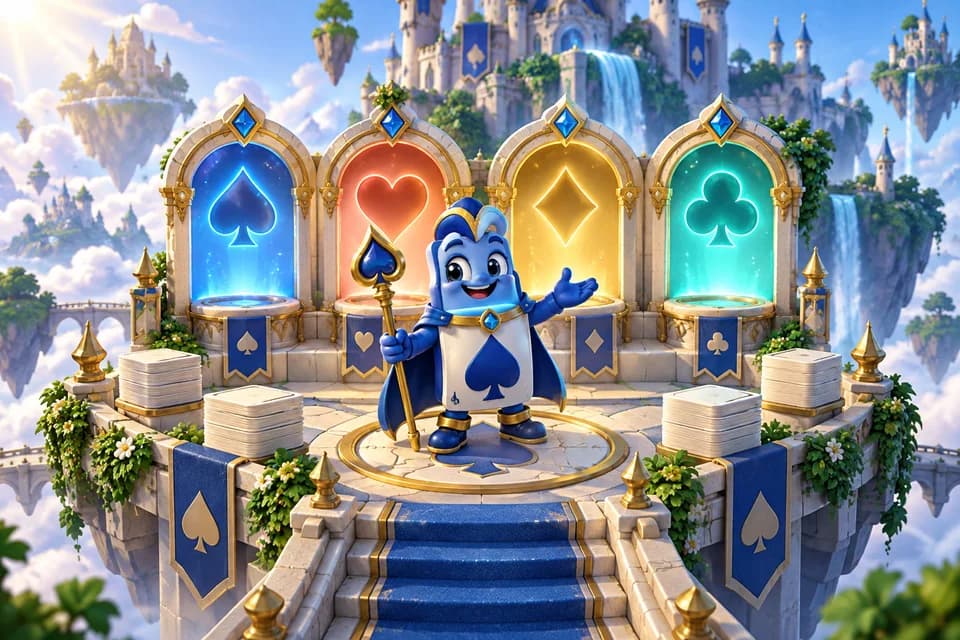
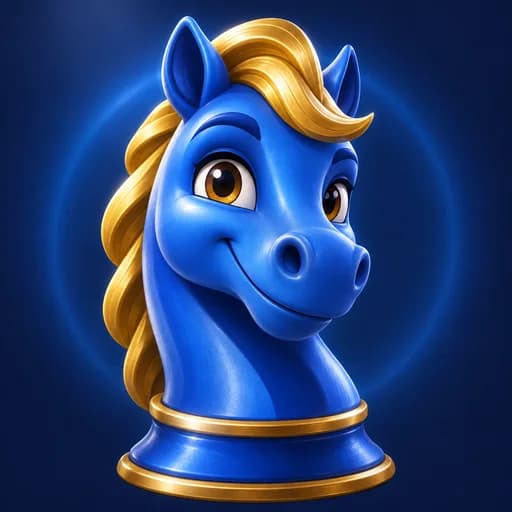
Knight
Your friendly blue chess champion.
Yours from the start
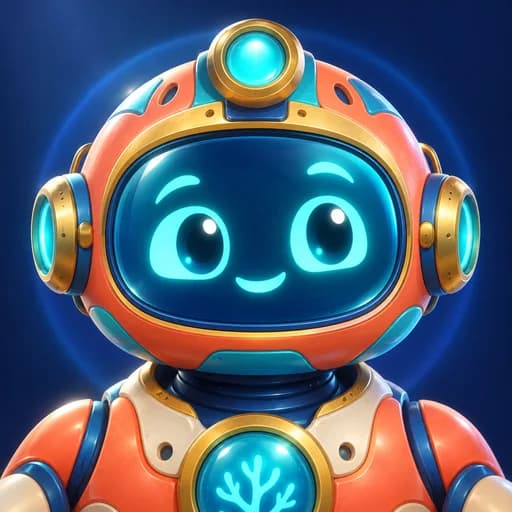
Nova
A curious explorer, ready for the next game.

Yours from the start
Sprout
A little word wizard with big ideas.
Yours from the start
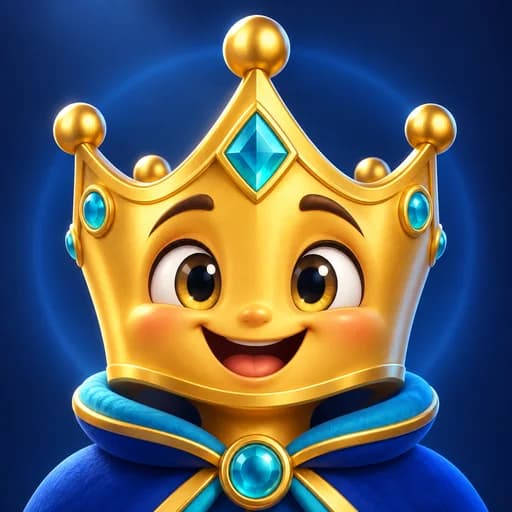
Sunny
A cheerful crown for your corner of the arcade.

Unlock with coins
Nebula Fox
A starlit companion. Unlock permanently with coins.
Unlock with coins
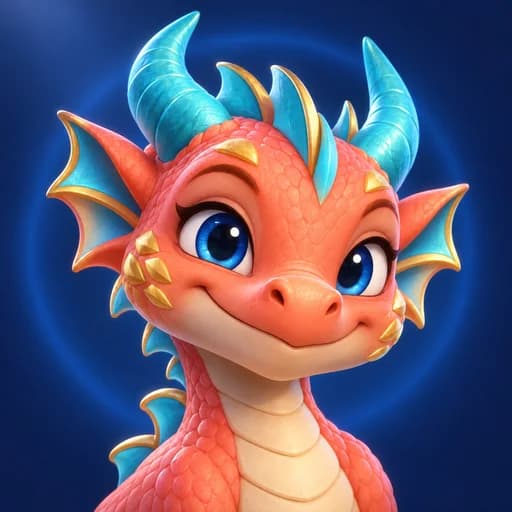
Coral Dragon
A bright little dragon. Unlock permanently with coins.
Earn through play
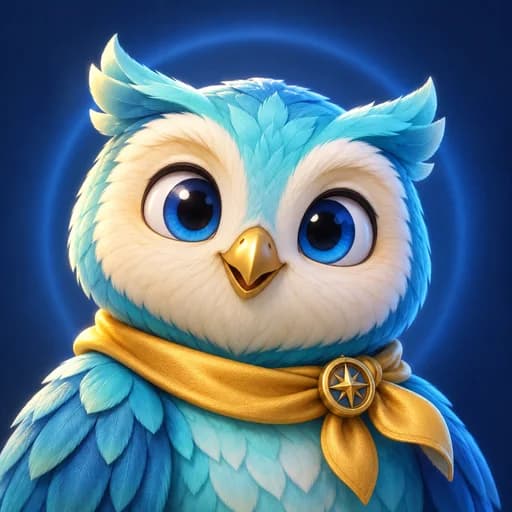
Explorer Owl
Finish a game in 5 different titles to unlock.
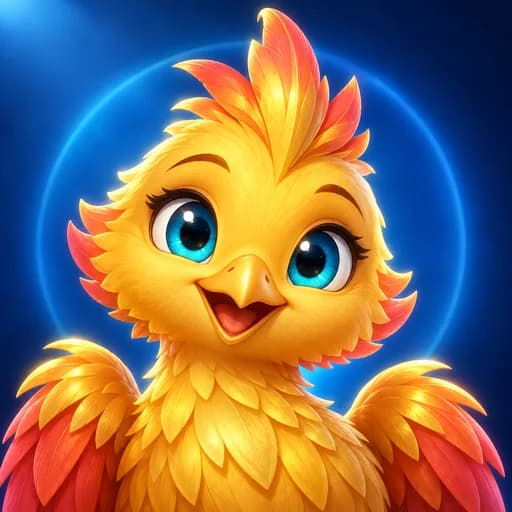
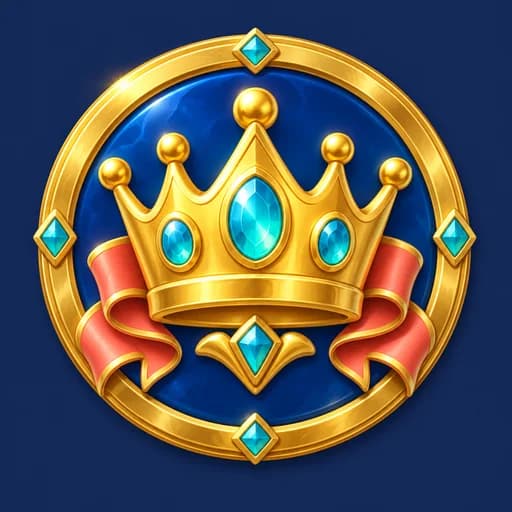
Earn through play
Royal Phoenix
Win 25 games to unlock.


One more reason to try something new
83 goals.
Find your next win.
Discover a game, explore a category or build a winning streak. Unlock illustrated badges and collect coin rewards along the way.
Find a game to exploreThe cast
You play cards against
people with names.
Karen would like to speak to the dealer. Nora waits for your mistake. Gus has forty years of Tuesday night cards behind him. 15 of them sit at the table, and you will work out soon enough which ones you can read.
All 15 are computer players, and the game says so.

EasyPlay it straight, and make honest mistakes.

Karen
Would like to speak to the dealer.

Dougie
Plays the card he likes the look of.

Marisol
Here for the company, honestly.

Bert
One more hand, then bed.

Priya
Half listening, still winning sometimes.
MediumKeep count of what has gone, mostly.

Yusuf
Keeps a running count, loses it late.

Nora
Patient. Waits for your mistake.

Tommy
Fast hands, faster bids.

Ingrid
Never once looked rattled.

Sef
Takes the odds, whatever they are.
HardTake the game seriously.

Vivian
Knows what you kept, and why.

Okonkwo
Defends a lead like it is personal.

Hana
Bids thin and makes it anyway.

Gus
Forty years of Tuesday night cards.

Lin
Has already counted your suit.
Keep a little play
in your pocket.
One download for the games you grew up with, and a few you are about to fall for.
Where to get it
Available on the Amazon Appstore
- Get it on the Amazon AppstoreAvailable now for Fire tablets. Free to download.
- Google PlayNext. Fire OS is Android, so it is the same build.
- App StoreAfter that, for iPhone and iPad.
Free to download on Fire tablets. Google Play and the App Store are coming later.
The state of it
What it does, and what it does not do yet.
Worth knowing before you download it.
In the app today
- 48 games, all free, in one download
- 38 of them remember an unfinished game and offer to resume it
- Worldwide leaderboards, per game, for the day, the week, the month and all time
- A daily reward on a seven day cycle, with a streak that carries across days
- 83 achievements in the upcoming arcade update
- 15 named computer opponents at three skill levels
- Sound effects and haptics, each switchable
- High contrast mode and three colour-blind palettes
- A copy of everything we hold, or deletion of all of it, from Settings
Not yet
- Nothing you can buy unlocks a game. The shop offers coins, ad removal and optional cosmetic avatars
- A guest account stays on the device that made it. Signing in with Google is what carries it across
- No messaging of any kind between players, and no live or real-time play
- No way to change your username, which is the handle a friend searches for. The display name people see is yours to set
- No music, only sound effects
Questions
Asked and answered.
PlayBurst is available now on the Amazon Appstore for Fire tablets.
What is PlayBurst?
PlayBurst is one free app with 48 games in it: 19 card games, 9 word games, 6 puzzle games, 5 arcade games, 5 board games, 4 classics. One download rather than 48 of them, every game free, and no purchase unlocks one. It is available on the Amazon Appstore for Fire tablets. Google Play and the App Store are coming later.
How many games are in PlayBurst?
48. The full list is on the games page, grouped into 6 categories: 19 card games, 9 word games, 6 puzzle games, 5 arcade games, 5 board games, 4 classics.
Do I need an account to play PlayBurst?
No. PlayBurst signs you in as a guest the first time you open it, and you can play every one of the 48 games without giving an email address or creating a password. There is a Sign in button on the Profile tab, and it is optional: the only way in is Google, and what an account gives you is a friends list, progress that follows you to a second device, and the ability to buy something in the shop, because a purchase belongs to an account rather than to a device. Sign in and Google passes us your name and your email address, and that is all we keep of it. Stay a guest and we never see either.
Is PlayBurst free?
Yes. All 48 games are free and there is nothing to unlock. The shop sells coins and removing the ads, and that is the whole of it: no game sits behind a purchase, and nothing you buy gives you a game somebody else does not have.
Are hints free or do they cost coins?
Your first 3 hints each day are free, shared across games that offer hints. The allowance resets at 00:00 UTC. After that, an extra hint costs 100 coins, or you can choose an optional rewarded video where available. The button and offer show the allowance or cost before use. A connection is needed to check and claim hints. Undo, instructions and Hangman's fixed clue remain free.
How do hints and continues work if I have removed ads?
An active ad-free pass removes automatic ads and optional video offers. Hints and continues keep their regular coin prices. When your balance is below the price, the use is included with your pass and no coins are deducted. The offer says this before you use it, and the benefit lasts while the pass is active.
Can I play PlayBurst offline?
Mostly. The games run on your device rather than on a server, so playing needs no connection at all. The first launch reaches out once to set up the guest account your scores live in; if it cannot, the app opens anyway and picks the account up when you are next online. Hints, coin purchases, leaderboards and daily rewards do need a connection.
Who am I playing against in the card and board games?
15 computer opponents with names, faces and habits, and the game says so on screen. Karen would like to speak to the dealer, Nora waits for your mistake, and Gus has forty years of Tuesday night cards behind him. Two-player board games are played against the computer, or by passing the tablet between two people.
Does PlayBurst have online multiplayer or chat?
No chat, and no live play. Every game can be played on its own, against the device or against whoever is sitting next to you. Checkers, Chess and Reversi can also be played as a turn-based match against somebody already on your friends list: one move at a time, through our servers, with no clock running between moves and no matchmaking, so nothing ever puts you in a game with a stranger. There is a friends screen, which shows the people on your list, the requests waiting on somebody, and the accounts you have blocked, and there is nothing anywhere in PlayBurst that lets one player send another a message. Adding somebody needs an account you can sign back into, so it needs the optional Google sign-in on the Profile tab; a guest can open the screen but not add anyone. Every friend and every incoming request can be blocked or reported from the row it appears on.
Is PlayBurst safe for children?
PlayBurst is a general audience app rather than a children’s one, and it is not listed in any children’s store category, but it applies children’s privacy protections to every player by default rather than only to players who identify as children. Those two things sound like they disagree and they do not: treating everybody protectively is what lets us avoid putting an age gate in front of the games at all. In practice it means contextual advertising for everyone who has not told the app they are 13 or over, ad content limited to a G rating for everybody, no account required to play, and no way for one player to send another a message. The only text one player types that another can read is a display name, and our servers decide what one may be before accepting it. There is an optional Google sign-in on the Profile tab, needed for a friends list and for buying anything; a player who never uses it never gives PlayBurst a name or an email address. The app asks for a year of birth in one place, the friends screen, on the press that would put two players in touch. It is answered once, kept on your device and on the account it belongs to, and it cannot be retyped. Answer under 13 and the friends screen turns off, with every game, coin, streak, score and achievement untouched.
Does PlayBurst save my progress?
Yes. 38 of the 48 pick an unfinished game back up where you left it, and your scores, coins, streak and achievements are kept, on the device and backed up to the account they were earned on. As a guest that account lives on the one device. Signing in with Google, which is optional and on the Profile tab, moves it all to an account instead, so a second tablet signed in to the same Google account picks it up.
Where can I download PlayBurst?
PlayBurst is available on the Amazon Appstore for Fire tablets. Use the Amazon Appstore download link on this page. Google Play and the App Store are coming later.